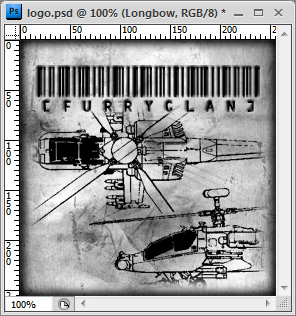
![[furryclan]](/images/logo.jpg)








Custom squad logo
This document explains how to create a custom squad logo for use in conjunction with the clan squad XML.
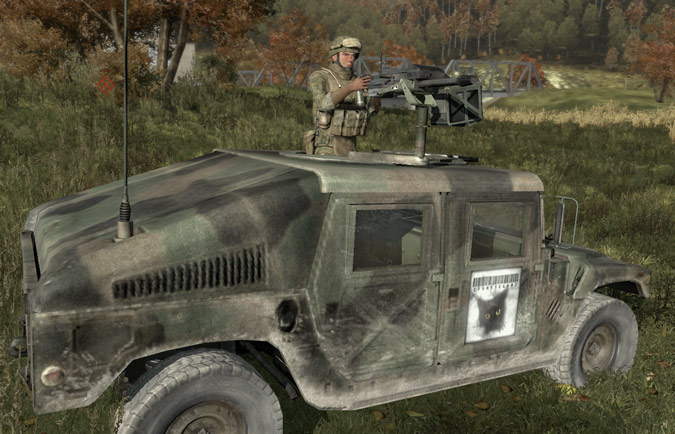
First you need to download the logo template for Photoshop.
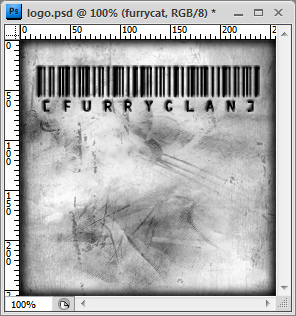
By default, an example group with a logo for furrycat is selected.
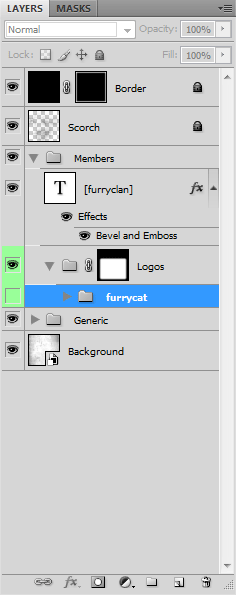
You must first create a new group for your logo. In this example we see a demonstration of creating a logo for Longbow.
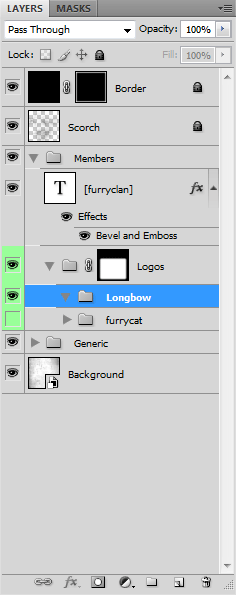
Next create a new layer inside the group and paste your logo inside.
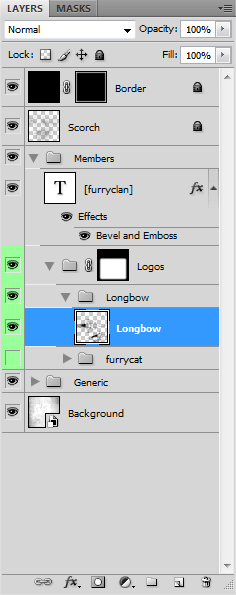
Save the finished logo as squad.jpg and upload it to members/logos/squad.jpg in your FTP area.
The final step is to set Squad URL in your profile to http://squad.furryclan.net/username/.